Know When Your Agents Finish — or Need You
AI Status is a free Mac app that shows what the AI coding agents on your Mac are doing. Start a long task with Codex, Claude Code, or Hermes and step away: the menu bar icon moves while agents work, and a badge appears when one is waiting for your decision.
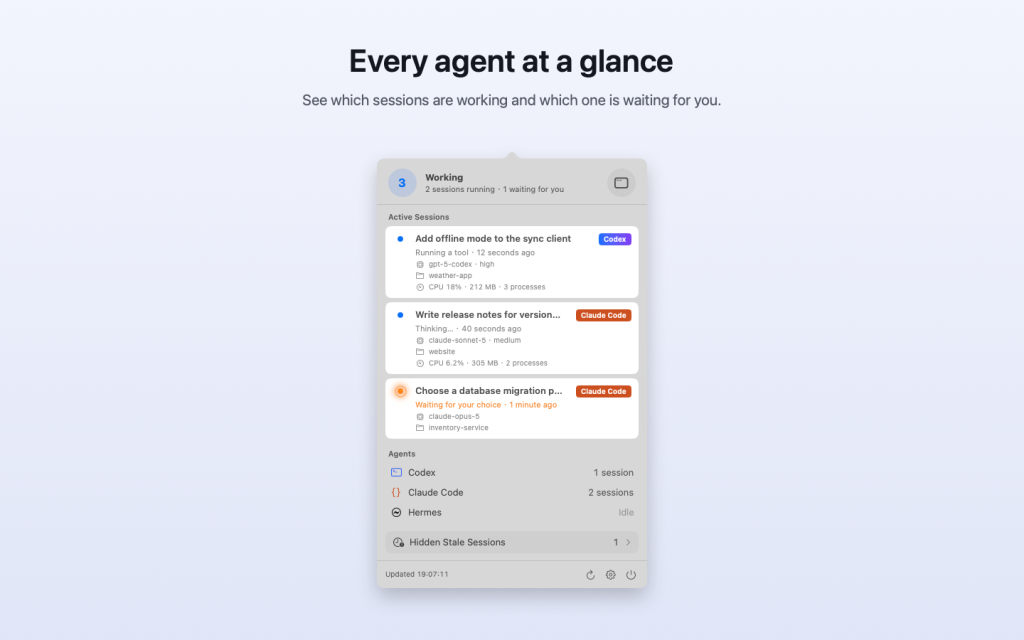
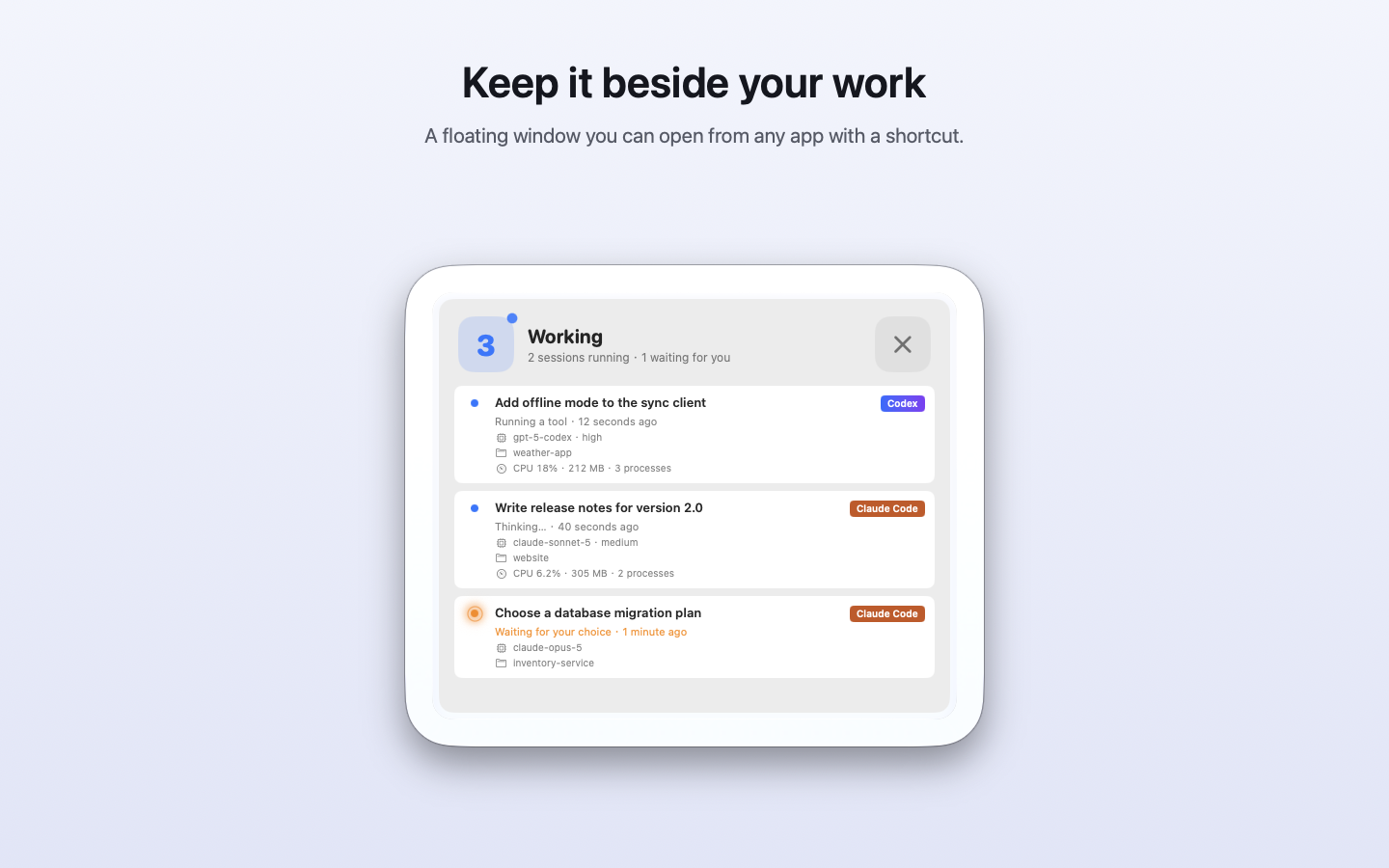
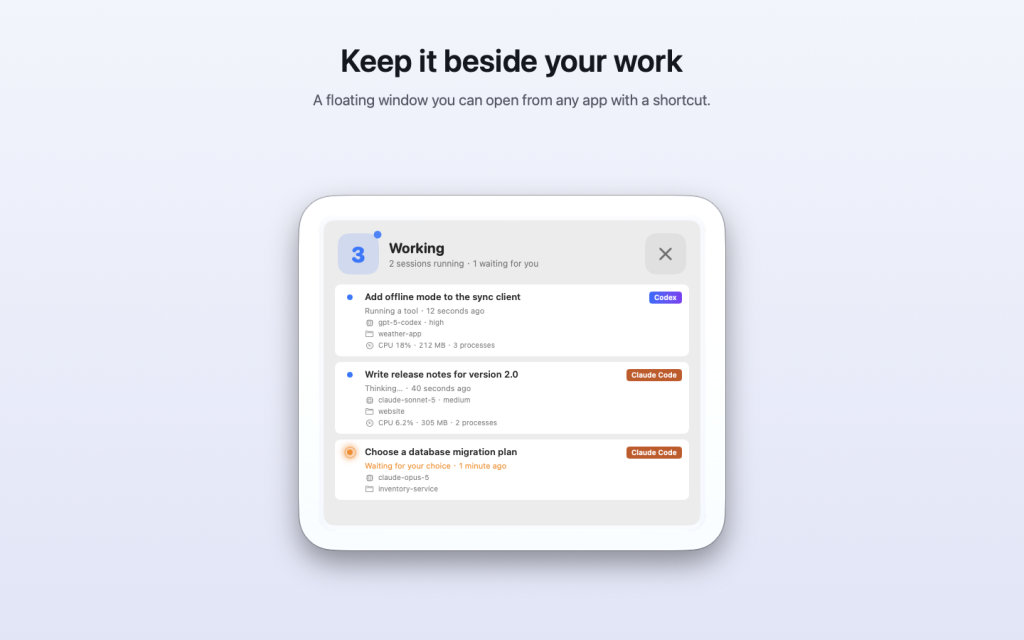
Open the menu bar panel to see every active session at a glance: its name, project, current activity, model, and CPU and memory use. The floating window keeps the same view beside your work, and a keyboard shortcut opens it from any app.
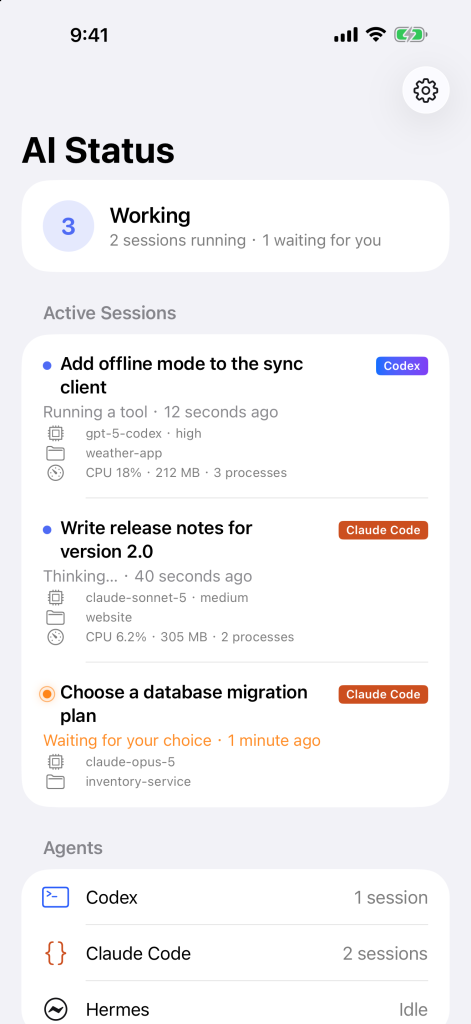
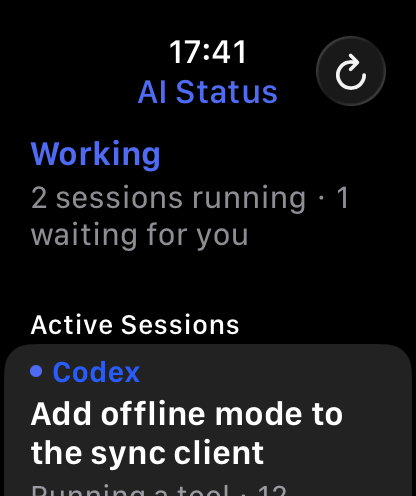
Turn on iCloud sync and the same status appears on your iPhone and Apple Watch, so you know when to come back even when you’re away from your desk. The iPhone and Apple Watch apps are coming soon to the App Store.
AI Status needs no account, and nothing about your work is sent to us. It only reads the agents’ session files in folders you allow, and the status summary goes to your own private iCloud.
Version 1.0 · 3 MB · macOS 13 or later
Setup, FAQ, and support: AI Status